blendmcp
Telemetry-free fork of blender-mcp that lets Claude and other LLMs control Blender scenes through the Model Context Protocol.
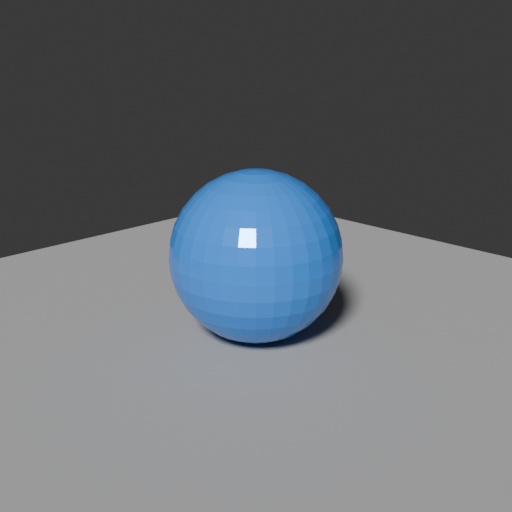
Tested. Installed with uv tool install, ran under xvfb-run, and made the blue sphere below with its own structured tools. Cycles, CPU, 512×512, 32 samples, 16.3 s.
| Price | Free |
|---|---|
| Prices verified | November 24, 2026 |
| Repository | https://github.com/owenpkent/blendmcp · ★ 3 stars (checked 2026-11-24) |
| License | MIT |
| Blender versions | 3.0 and newer |
| Works with | Claude Desktop, Cursor |
| Good for | Text to 3D |
| Official site | https://github.com/owenpkent/blendmcp |
How to install
- Install uv.
- Run uv tool install blendmcp, then blendmcp install-addon.
- Restart Blender and enable BlendMCP in Edit > Preferences > Add-ons.
- In the 3D View sidebar BlendMCP tab, click Connect to Claude.
- Add the server to your MCP client config (Claude Desktop, Cursor, or VS Code).
Full install guides per agent client: see the guides.
Sources
- Repo/stars/license: GitHub API GET /repos/owenpkent/blendmcp (2026-11-24).
- Install steps, Blender 3.0+ requirement and clients: project README.
Related tools

MCP for Blender
Community MCP server and Blender add-on that lets any LLM inspect, edit, and generate 3D scenes in Blender.
FreemiumTestedText to 3D
blender-mcp-hunyuan
Fork of blender-mcp that adds Tencent Hunyuan3D text-to-3D generation inside Blender via MCP.
FreeNot yet testedText to 3D
Meshy
AI 3D asset generator that turns text or images into textured, rigged, animated models exportable to Blender and game engines.
FreemiumNot yet testedText to 3DAI TexturingAuto RiggingAnimationGame-Ready Export